Late July 2026. If you work in web—design, product, engineering, or marketing—you’re no longer debating whether you use AI. You’re debating where you let it generate and where you stay in the loop. I’m Mario, and on real projects I see the same pattern: speed genuinely went up… and with it, the risk of shipping something that “looks fine” but can’t survive production, accessibility, or maintenance.
This isn’t a hype reel. It’s a practical cut: what changed in wireframes, personalization, SEO/AEO, and code review; what still needs human judgment; and how I filter copilot output before anything touches a customer. If you already have an “almost done” AI-built site and need production-grade criteria, there’s a direct CTA at the end.
The real change isn’t “AI designs”: it’s the review cycle
Three years ago the bottleneck was producing a first version. Today the bottleneck is review, decide, and harden. Generating five hero variants, a checkout flow, or a React component is no longer the miracle. The miracle—and the expensive work—is knowing which variant breaks the brand, which error state is missing, and what maintainability debt you’re accepting.
Day to day, AI shortens the path to a usable draft. What it doesn’t shorten alone is judgment: visual hierarchy, conversion psychology, contrast, keyboard paths, technical SEO, API contracts, and “what happens Tuesday when the webhook fails.” That remains human—or a human with very good checklists.
What did change in 2026
Wireframes and variants at prompt speed
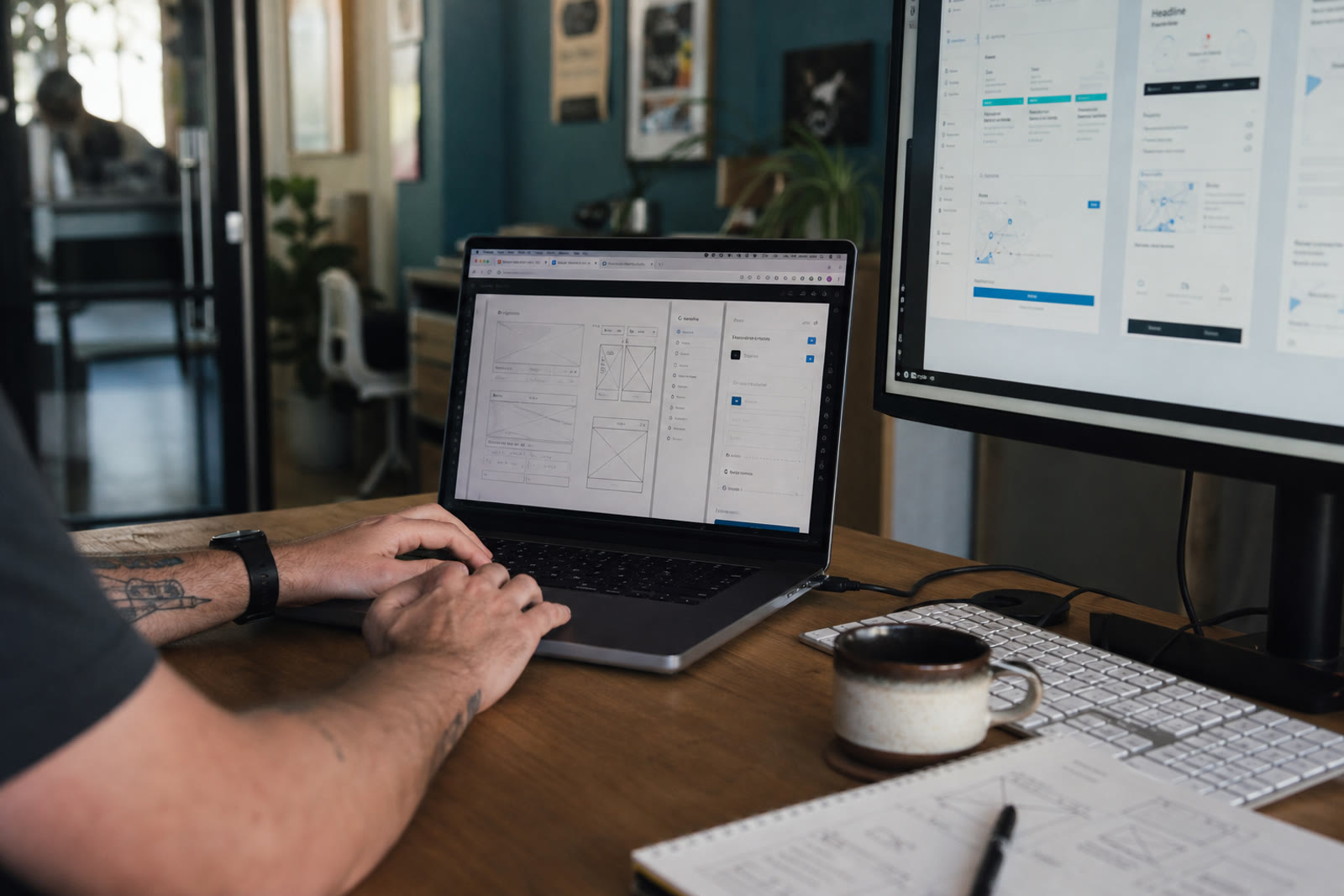
Going from brief to exploratory layout is brutally faster. You can ask for three information architectures, try type directions, and generate empty/loading states without building five Figma files from scratch. The value isn’t “more screens”—it’s exploring trade-offs before you commit.
Personalization (carefully)
Segmenting copy, recommending modules, or adapting CTAs by audience is no longer enterprise-only. The risk is obvious: personalizing noise, mishandling PII, or shipping experiences nobody can audit. AI accelerates the hypothesis; product decides what deserves controlled experimentation.
SEO + AEO: answers, not just keywords
In 2026 classic SEO lives alongside AEO (Answer Engine Optimization): clear entities, structured FAQs, JSON-LD, citability, and pages a model can summarize without inventing facts. AI helps draft and spot gaps—but it also multiplies slop if nobody verifies facts, search intent, and canonicity.
Humans as production reviewers
The role that grew most isn’t “prompt artist.” It’s reviewer: someone who reads the diff, walks the flow, demands states, checks Core Web Vitals, and asks about rollback. AI generated; you sign.
- More drafts per hour — fewer excuses not to iterate.
- More surface to audit — every variant is potential debt.
- More need for written criteria — if you don’t define “done,” AI invents one.
What didn’t change (despite the marketing)
Four fronts where AI is still an assistant, not the owner:
- Brand judgment: tone, visual tension, what to omit. AI averages; strong brands choose.
- Conversion psychology: right friction, credible proof, promise vs evidence. A “powerful” CTA without trust is theater.
- Accessibility: focus, meaningful ARIA, contrast, announced errors. Pretty HTML ≠ WCAG.
- Maintenance: dependencies, secret rotation, stale content, 2 a.m. incidents. Nobody accidentally vibe-codes a good runbook.
Quick comparison: where AI helps—and where it doesn’t
| Area | What AI accelerates | What stays human |
|---|---|---|
| Wireframes / UI | Variants, layouts, placeholder copy | Hierarchy, brand, final call |
| Product UX | Happy paths and components | Edge states, permissions, error recovery |
| SEO / AEO | Drafts, outlines, FAQs | Facts, E-E-A-T, canonicity, measurement |
| Front-end code | Scaffolding, local refactors | Architecture, security, real performance |
| Personalization | Message hypotheses and variants | Privacy, experimentation, bias |
| Maintenance | Log summaries, suggested PRs | Priority, rollback, ownership |
Slop, vibe-coding, and the “it’s done” illusion
The 2026 numbers no longer surprise engineers: about 92% of developers use AI daily, and on many teams roughly 46% of new code arrives with generative assistance. That doesn’t mean 46% is production-ready. It means the volume of “almost” exploded.
Vibe-coding—iterating by feel with a copilot until it “looks right”—is great for prototypes and demos. It’s dangerous when it replaces tests, contracts, and review. You can spot 2026 web slop: generic type, glow heroes, invented FAQs, forms without rate limits, and components that break on the third breakpoint.
- If you can’t explain why a component exists, it probably shouldn’t.
- If the copy sounds like an AI brochure, rewrite it with your facts.
- If the PR has no test plan, it isn’t a PR—it’s a bet.
UX in 2026: design states, not just screens
AI is excellent at the happy path. Real products live in loading, empty, partial, offline, unauthorized, rate-limited, and “payment pending.” If your design (or prompt) doesn’t ask for those states, you’re designing a trailer, not a product.
- List states for each critical flow (auth, checkout, contact, upload).
- Define copy/UI for recoverable vs blocking errors.
- Test keyboard and screen reader on the primary path.
- Measure friction: time to first useful action, not just clicks.
- Document when a human decides if automation is unsure.
SEO / AEO checklist (July 2026)
- One clear intent per URL; don’t cannibalize clusters.
- Honest title/description; no bait the snippet won’t keep.
- Real FAQs with citable answers (not filler).
- JSON-LD that matches visible HTML (Person, FAQ, Article, Service…).
- Correct hreflang and canonical on multilingual sites.
- Useful image alt; LCP and CLS under control.
- Updated content with date and editorial ownership.
- For AEO: clear entities, early definitions, verifiable sources.
Tools: what I use them for (and what I don’t)
| Tool | Shines at | Don’t treat it as |
|---|---|---|
| Cursor / Claude (coding) | Scaffolding, refactors, tests, assisted review | Silent architect with no diff review |
| v0 / Lovable | Fast UI, clickable prototypes, demos | Single source of truth for production |
| Figma (+ AI) | System, handoff, controlled visual exploration | Substitute for real user research |
The right tool depends on risk. Internal demo → generate hard. Checkout with real money → generate, then audit like you believe nothing.
Production filter: checklist before merge/deploy
- Does it match the brief and brand promise—or just “look like SaaS”?
- Error, empty, and loading states with real copy?
- Basic a11y: focus, contrast, labels, keyboard?
- Technical SEO: title, headings, canonical, honest schema?
- Security: server-side validation, honeypot/rate limits on forms, secrets off the client?
- Performance: images, unnecessary JS, reasonable mobile LCP?
- Maintainability: clear names, annotated debt, module owner?
- Rollback: can you reverse in <15 minutes?
Maintenance: where “weekend builds” die
Generating a site over a weekend was never the hard problem. Week 12 is: broken deps, a payments API change, stale content, a spammed form, and nobody who understands the spaghetti the copilot left behind. AI can summarize logs or propose a fix; it doesn’t replace ownership.
- Cadence for dependency and content updates.
- Uptime monitoring + form/API alerts.
- Backups and restores that are tested (not just “configured”).
- Minimum docs: how to deploy, where secrets live, what not to touch.
How I work when “AI almost finished it”
I hear this a lot: “We already generated the site / redesign / landing… it just needs polish.” Great. Then I don’t start from zero—I run a production pass.
- Fast audit: critical UX, a11y, SEO/AEO, form/API security, performance.
- Slop cut: remove generics, align brand, fix hierarchy.
- States and edge cases: what the generator skipped.
- Hardening: validation, rate limits, headers, secrets, basic observability.
- Maintenance handoff: what to watch, what to update, how to roll back.
Need production criteria for your AI-built site? Let’s talk
If you have an AI-generated design or front-end and want to ship without technical embarrassment—coherent brand, UX with real states, serious SEO/AEO, protected forms, and a maintenance plan—I can help close the gap between demo and production.
Tell me your case: stack, what AI generated, what’s hurting now, and your go-live date. On the contact page we schedule a direct conversation. No theater—clear scope.
You may also find useful data for AI, web security audit, AI-native stack 2026, web design, and contact .