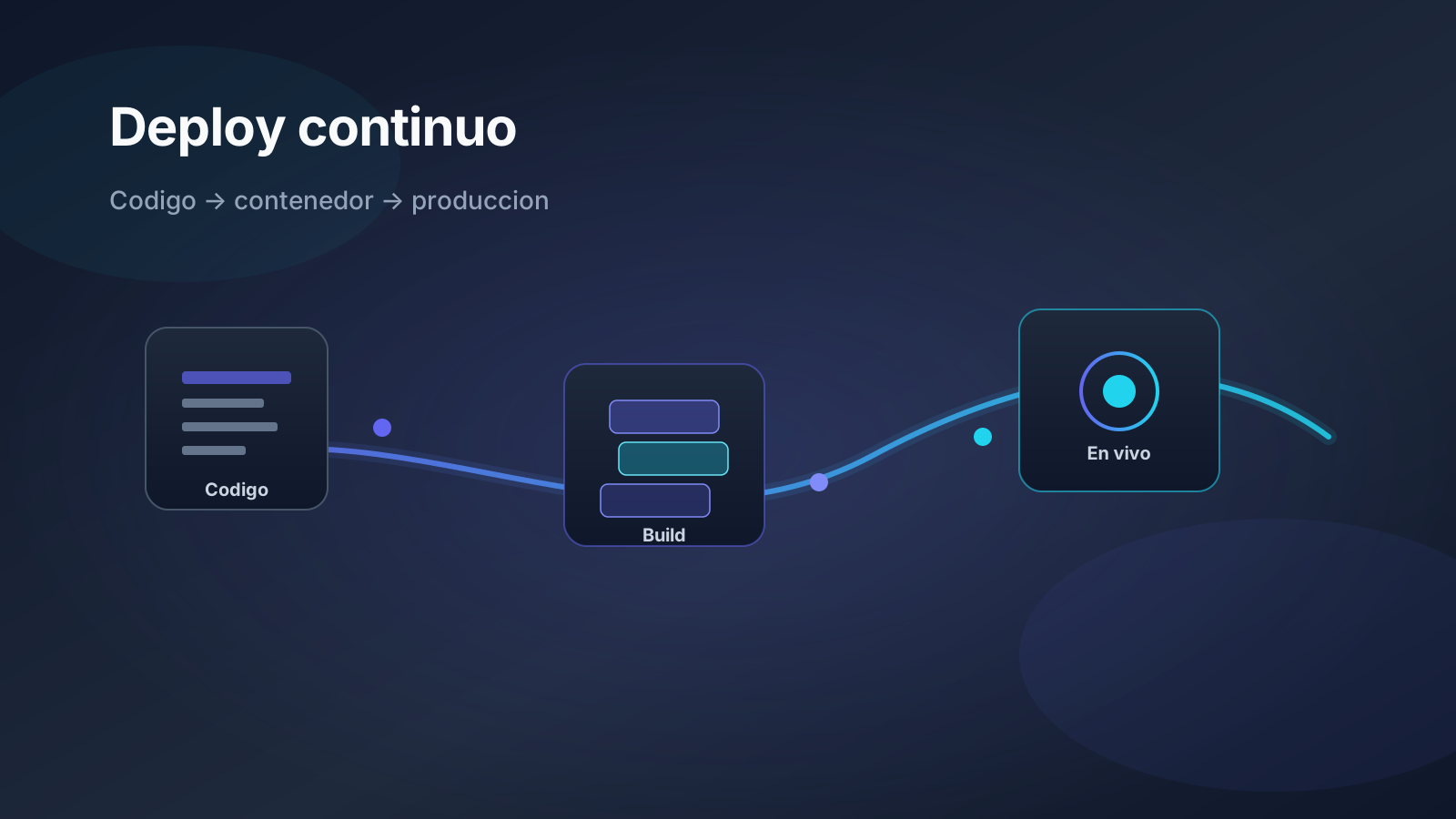
Picture a factory where every product leaves with the same mold, the same label, and a quality check before it reaches the customer. That is a solid Docker + CI/CD + Coolify pipeline: not “upload whatever worked on my laptop,” but a repeatable process that turns code into a trustworthy release.
This article explains, in plain language with concrete steps, how to deploy Laravel APIs, Node apps, and containerized WordPress sites. It helps product owners who want fewer incidents, and technical teams that need a real runbook — not just a loose Dockerfile.
Why it matters for the business
Every improvised deploy is risk: a payment that stops charging, a form that dies on a Friday, or an impossible rollback because nobody remembers which version is running. A good pipeline shortens time-to-ship, makes staging believable, and turns deploy into a measurable operation — not a midnight ritual.
- Less “works on my machine”: the same artifact is tested and promoted.
- Predictable rollback: you return to the previous tag in minutes, not by guessing.
- Audit trail: you know which commit is in production and who promoted it.
- Team scale: a junior can deploy without breaking the senior’s ritual.
Key concepts (simple + technical)
Docker: the sealed box
Docker packages the app with its dependencies into an image. Think of a shipping container: the dock (server) may change, the content travels the same way. Technically: layers, a multi-stage Dockerfile, and a runtime without build toolchains or secrets.
CI/CD: the assembly line
CI (continuous integration) validates every change: lint, tests, build. CD (continuous delivery/deployment) moves the artifact to staging and, with quality gates, to production. Coolify shines at deploy (SSL, variables, restarts); CI still lives in GitHub Actions, GitLab CI, or another runner.
Immutable tags vs latest
Tagging only as latest is like labeling a box “current version” with no lot number. Use registry/app:gitsha: you know exactly what runs and can redeploy that digest.
| Piece | Analogy | What it does in practice |
|---|---|---|
| Docker image | Packaged product | Same binary/artifact in staging and prod |
| CI pipeline | Quality control | Lint, tests, scan, build |
| Coolify | Warehouse + shipping | Deploy, SSL, env vars, healthcheck |
| SHA tag | Lot number | Exact rollback and traceability |
Practical guide: minimum pipeline
- PR: lint + typecheck + unit tests (and critical e2e if there is checkout).
- Multi-stage build: deps → build → small runtime.
- Immutable tag:
registry/app:gitsha(never onlylatest). - Basic image scan (obvious CVEs, root user, secrets in layers).
- Deploy to staging on Coolify with the same variables (different values).
- Smoke / healthcheck: cheap route that verifies app + DB.
- Promote to production with the same digest/tag — no different rebuild.
Multi-stage for Laravel / Node
- deps: Composer/npm with ordered layer caching.
- build:
npm ci+npm run build,php artisan optimize, assets. - runtime: non-root user, no toolchain, no baked-in
.env. - Correct permissions on
storageandbootstrap/cache(Laravel).
WordPress in Docker
- Persistent volume for
wp-content/uploads. - Secrets via env / runtime-generated
wp-config— never in the image. - Object cache (Redis) as a separate service when traffic demands it.
- Multisite: domains, cookies, and paths documented.
- DB + uploads backup before major updates.
Coolify configuration
- Variables and secrets outside the Dockerfile.
- Real healthcheck (HTTP 200 on a stable route, not just “the process exists”).
- Canonical apex domain;
wwwwith a 301 redirect. - Let's Encrypt SSL on both hosts.
- Staging and production separated; restart policies and accessible logs.
Common mistakes
- Different rebuild in prod: you no longer know what runs or how to reproduce the bug.
- Healthcheck hitting
/with a 301 redirect → unhealthy loop. - WordPress volumes owned by
root→ broken uploads. - Running
migrate --forcetwice in parallel. - Forgetting the queue worker: the web responds, webhooks never process.
- Secrets in Git or Docker layers “for convenience.”
Pre-production checklist
- Tag = git SHA (not only
latest). - Secrets absent from the repo and Docker layers.
- Green healthcheck on staging with the same image.
- Migrations rehearsed + recent backup.
- Apex /
wwwand SSL verified. - Workers and cron alive after deploy.
- Written rollback plan (redeploy previous SHA).
- Staging and prod variable names aligned, values different.
A poorly deployed checkout is a time bomb. The pipeline connects to payments, and security auditing .