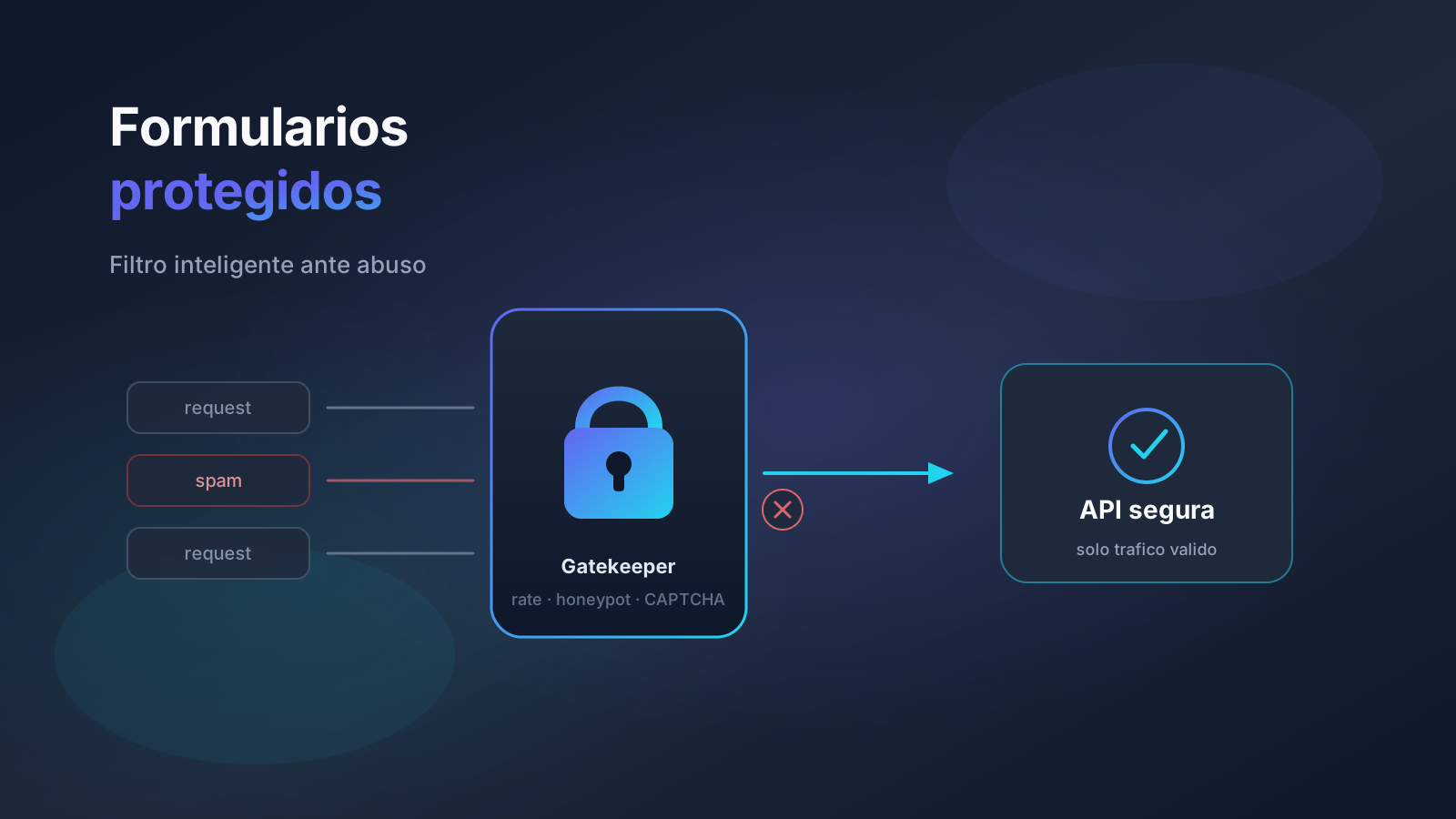
A contact form or public API with no controls is like a building with no doorman: anyone walks in, leaves trash, or tries to force the door. Spam, brute force, and scraping are not “minor noise”: they flood inboxes, burn email quota, and can take down an endpoint on a Friday afternoon.
This article explains a layered approach — the same pattern this portfolio uses in production with Astro, and applicable to Laravel and Node — so a non-technical reader understands the why, and a technical reader gets a checklist, check order, and mistakes to avoid.
Why it matters for the business
Every fake lead costs sales time. Every unlimited login attempt is a lottery against leaked credentials. Every “open” webhook or endpoint is abuse surface. Protection is not paranoia: it keeps the channel useful for real humans and expensive for bots.
- Usable inbox: less spam = more replies to real customers.
- Availability: rate limits keep a script from knocking the server over.
- Trust: server-side validation reduces CRM junk and invented tickets.
- Practical compliance: less attacker PII in logs and databases.
Key concepts (simple + technical)
The layered doorman
No single layer is enough. The honeypot catches clumsy bots; rate limiting slows volume; timing detects inhuman submissions; validation and sanitization care for what enters; Turnstile adds friction only when needed. Like a building: reception, camera, key, and alarm — not just a “no entry” sign.
| Layer | What it blocks | Typical response |
|---|---|---|
| Rate limiting | Volume / brute force | 429 + Retry-After |
| Honeypot | Bots that fill everything | Silent 200 (no processing) |
| Form timing | Submissions < ~3.5s | 400 |
| Origin check | Basic cross-origin scripts | 403 |
| Turnstile | More sophisticated bots | 400 if token invalid |
| Zod + sanitize | Junk and odd payloads | 400 with field errors |
Rate limiting
Limit requests per IP (and per user when applicable) in a time window. In-memory is fine for a single process; with multiple replicas you need Redis or another shared store. Rough examples: login 5/min, password reset 3/hour, contact 5/min.
Honeypot and timing
A honeypot is a hidden field (display: none or off-screen) that humans do not see. If it arrives filled, reject silently (200 without processing) so you do not train the bot. Timing stores a timestamp at render and rejects submissions faster than a reasonable human.
Validation, sanitization, and origin
Front-end validation improves UX; server validation is what matters. Schemas (Zod or equivalent), strip HTML from plain-text fields, max lengths, and in production check Origin/Referer. Not foolproof, but it filters a lot of cheap noise.
Practical guide: flow in an endpoint
- Rate limit check →
429if exceeded. - Honeypot check → silent
200if the hidden field has a value. - Form timing check →
400if too fast. - Origin check →
403if origin is not the site. - Turnstile (if configured) →
400if the token fails. - Schema validation →
400with field errors. - Sanitization → process (email, CRM, queue).
A honeypot done right
- Hidden with CSS, not an obvious
type="hidden"when you can avoid it. - Deceptive name (
website,company_url) — nothoneypot. tabindex="-1"andautocomplete="off"; must not be accidentally reachable by screen readers.- If filled: fake success response, not an explicit
403.
Cloudflare Turnstile
When spam volume justifies extra friction, Turnstile is lightweight and more privacy-friendly than aggressive alternatives. TURNSTILE_SITE_KEY on the client; TURNSTILE_SECRET_KEY only on the server. The server verifies the token before processing.
Common mistakes
- Trusting front-end validation alone.
- Rate limiting login only, not contact or other public endpoints.
- Visible honeypot, with a real label, or focusable by keyboard/readers.
- Responding
403to the honeypot (the bot learns and adapts). - Logging full payloads with emails and phones (PII in logs).
- In-memory rate limit across 3 replicas (each has its own counter).
- Error messages that reveal whether an email “exists” in the system.
Protection checklist
- Inventory of sensitive public endpoints (login, contact, reset, webhooks).
- Rate limits with documented thresholds and
Retry-After. - Honeypot + timing on HTML forms.
- Origin/Referer check in production.
- Server-side validation schema + sanitization.
- Optional Turnstile when spam justifies it.
- Shared store (Redis) if more than one replica.
- Logs without unnecessary PII; 429/400 metrics to spot attacks.
Connects with security audit, cybersecurity, and REST APIs .